
- 03/19/2024
- 03/19/2024
Regional Tourism Introduction
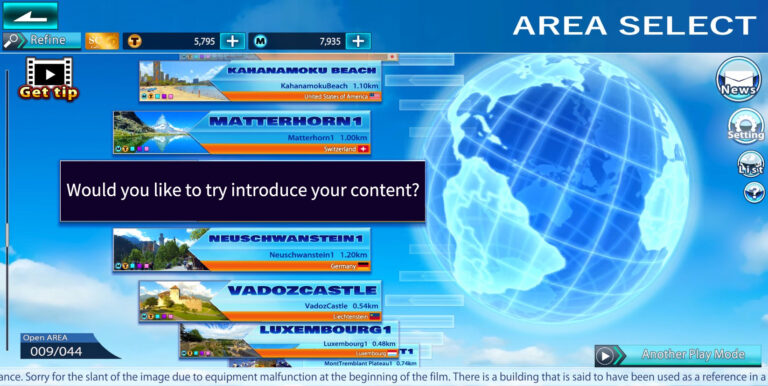
Why not create a 360-degree video that introduces users to local tourism?
After installing the EASYTRIP application, press START to start the initial setup and tutorial.In the tutorial, you will learn the basic operations of EASYTRIP and the flow of play.The series of operation experiences that you can experience in the tutorial to understand how to play the game while operating it cannot be experienced again after the tutorial is over, but the videos introduced in the tutorial can be viewed again on this […]
When VR Mode Does Not Display Correctly This app’s VR mode is based on the specifications of a particular development kit. Depending on your VR headset and device, you may need to adjust the settings for optimal viewing. If You Have Already Adjusted the View If you have already configured the view using the QR code that came with your VR headset, no additional steps are necessary. If You Have Not Yet […]
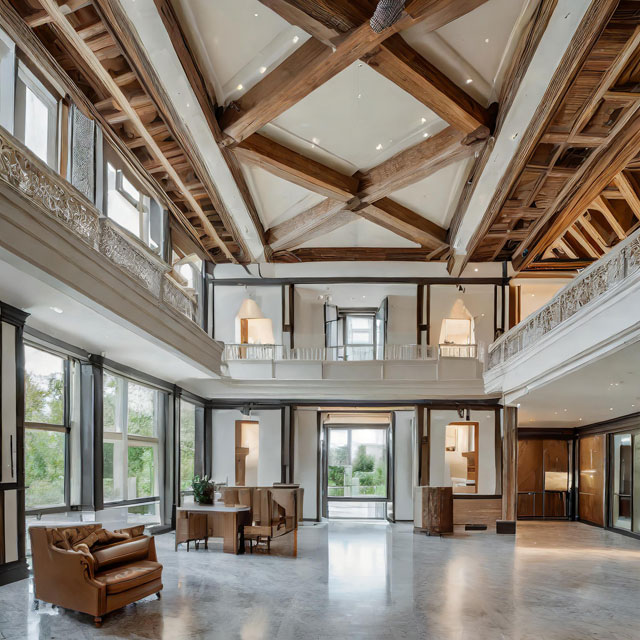
With the EASYTRIP application, 360-degree video can be used to provide an experience as if you were actually viewing a real estate property.
You can create a 360-degree video introduction of your hotel and use it for introductions.
You can post to SNS from EASYTRIP.You can post to social networking sites from two main locations.
The EASYTRIP Run & Walk application is scheduled for release in 2025.We will contact you as soon as details are finalized.Please wait for a while.
You can switch between NormalView and EasyView for displaying play information. Normal View is a user interface that displays various information in an easy-to-read size, which is displayed as a basic setting when playing the AREA provided by EASYTRIP official.EasyView is a user interface that consolidates the various information that is displayed while playing AREA into a long, narrow area at the bottom of the screen when the AREA Play screen is […]
Both the Play History and AREA History pages allow you to view the various play data saved when you play EASYTRIP’s AREA.AREA Hitory allows you to view the play data of a single AREA. Play History, on the other hand, allows you to view the total of all AREA data. Show common content on History pages Switching the time to be counted: Use the switching buttons at the bottom of the screen […]
AnotherPlayMode is a mode that allows you to use EASYTRIP functions in videos, websites, etc. other than the contents distributed by EASYTRIP official.You can play EASYTRIP while enjoying your own video data as well as the works of video creators and distribution sites around the world. *Please check the Before you start tab in the AnotherPlayMode screen of the EASYTRIP application before using it. *The operation of AnotherPlayMode is not covered by the […]