
EASYTRIP for Care Facilities and Rehabilitation Spaces
EASYTRIP Run&Walk is a smartphone app that lets users enjoy walking, light movement, and immersive travel-style experiences while watching scenic videos from around the world. Care facilities, day-service centers, rehabilitation spaces, and senior living communities can also use EASYTRIP on a basically free basis.
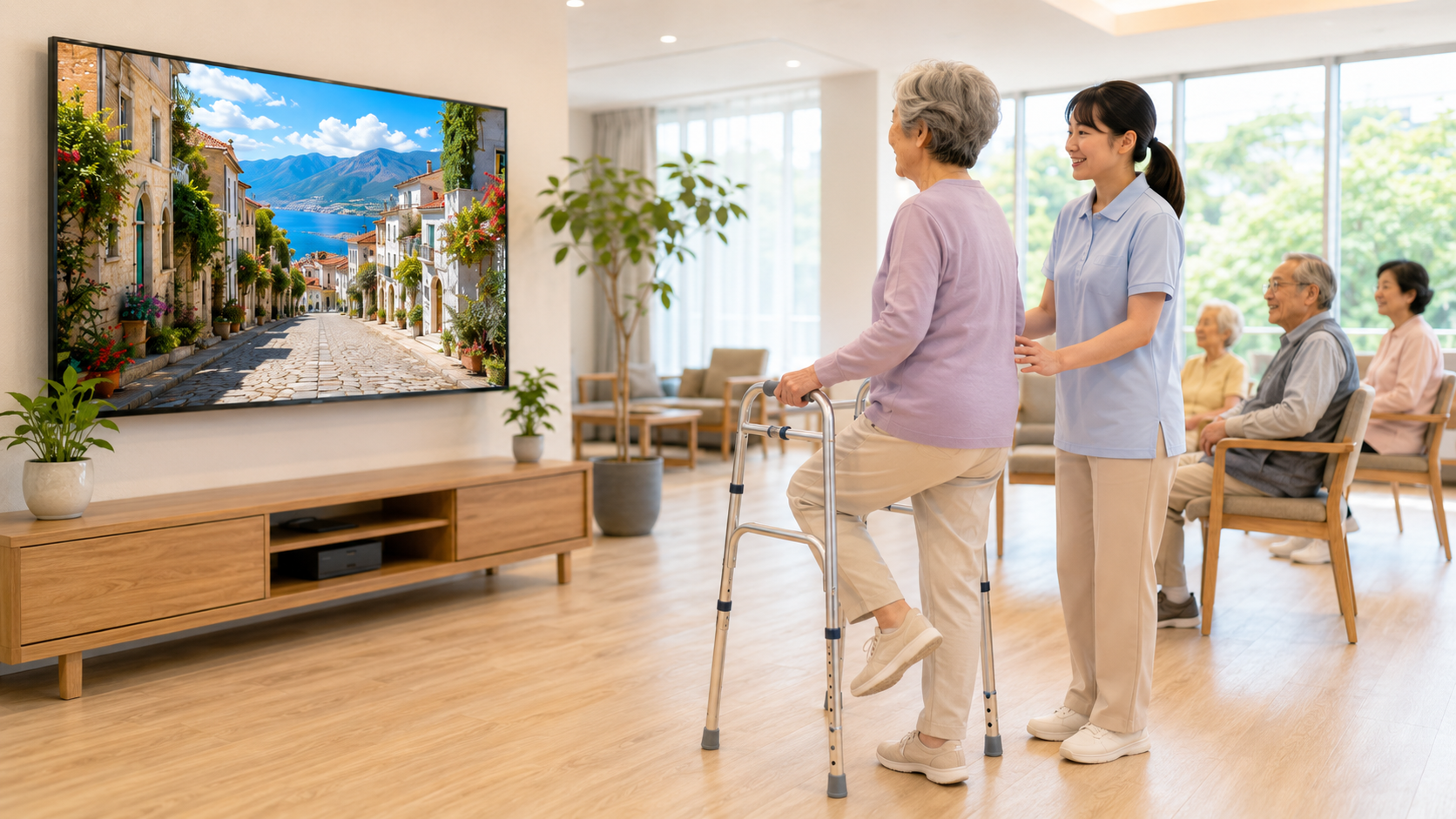
EASYTRIP can be used in facilities on a basically free basis.
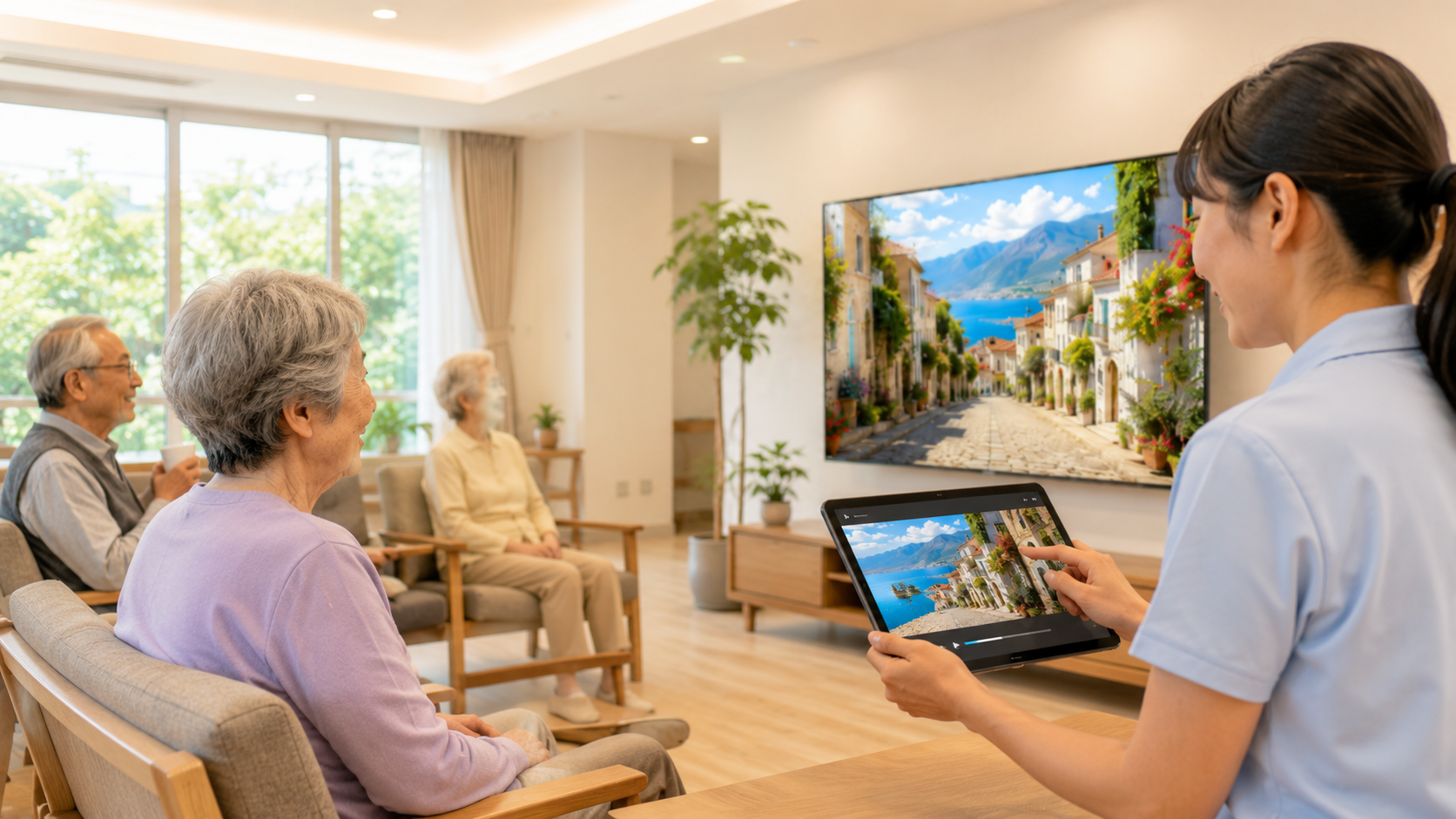
EASYTRIP can be tried simply by installing the app on a smartphone. You can start by checking the videos on a smartphone or tablet, then decide whether the experience fits your facility environment.
Basically free to use
Start with a smartphone or tablet and let users enjoy scenic world travel videos while doing light movement at their own pace.
TV display for group activities
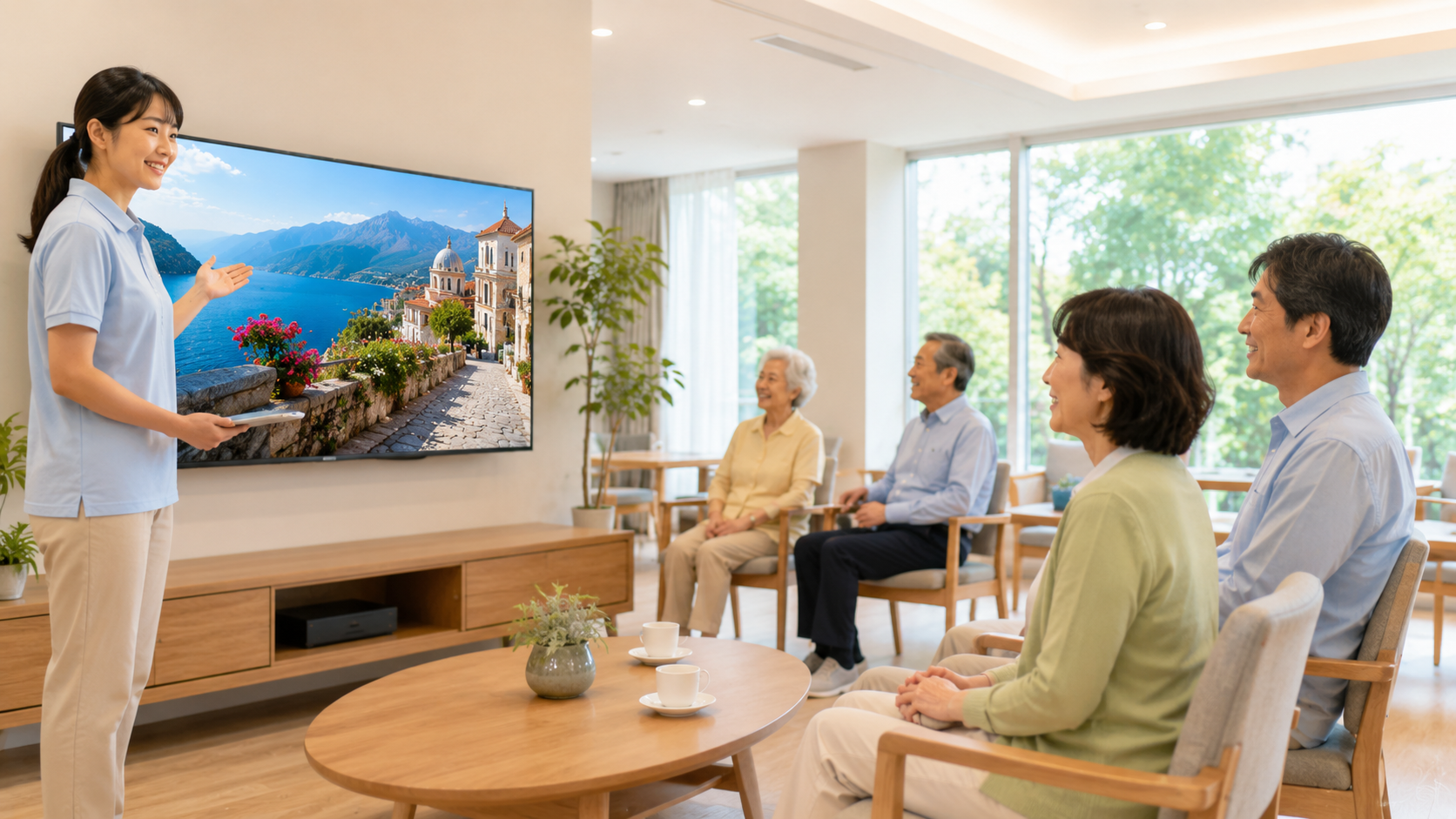
By displaying the app on a TV or monitor, multiple people can enjoy the same scenic video together during recreation time.
Flexible for different care settings
EASYTRIP can be considered for group recreation, light exercise, mood refreshment, facility presentations, and individual travel-style experiences.
Some high-quality videos, download features, ad removal, and other optional features may include in-app purchases or subscriptions. However, EASYTRIP can be used on a basically free basis, so facilities can start by trying the basic experience.
Common Challenges in Care and Rehabilitation Settings
EASYTRIP adds a travel-like sense of enjoyment to daily movement and recreation.
- Recreation activities can become repetitive.
- Users may need extra motivation for light movement.
- Some residents or patients may find it difficult to go outside or travel.
- Staff may want activities that are easy to prepare.
- Facilities may want a distinctive experience to show visitors and families.
- Walking practice or light exercise can feel more positive when paired with enjoyable scenery.
What You Can Do with EASYTRIP
From individual use to group recreation, EASYTRIP can be adapted to different facility environments.
Enjoy light movement with a travel feeling
Users can experience walking, jogging, or gentle movement while watching scenic videos of cities, landscapes, and travel destinations.
Instead of “exercise only,” the experience can naturally lead to conversations such as “Where should we travel today?” or “Let’s move while watching this view.”
Use on TV for group recreation
EASYTRIP can be displayed on a TV or monitor, allowing multiple users to watch the same scenery together.
It can be considered for seated exercise, stepping in place, light warm-up before walking practice, and seasonal facility events.
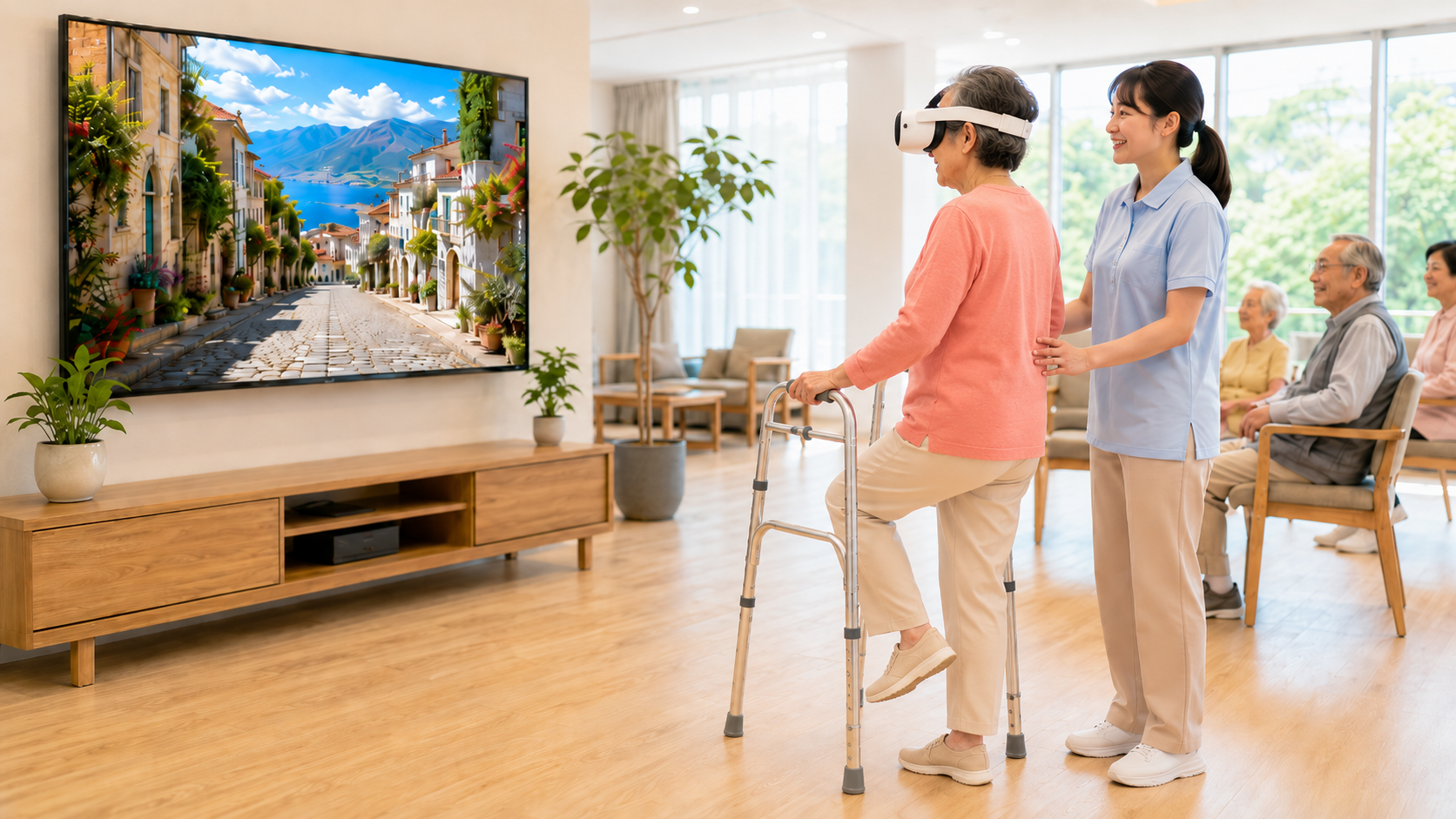
Enjoy smartphone VR experiences
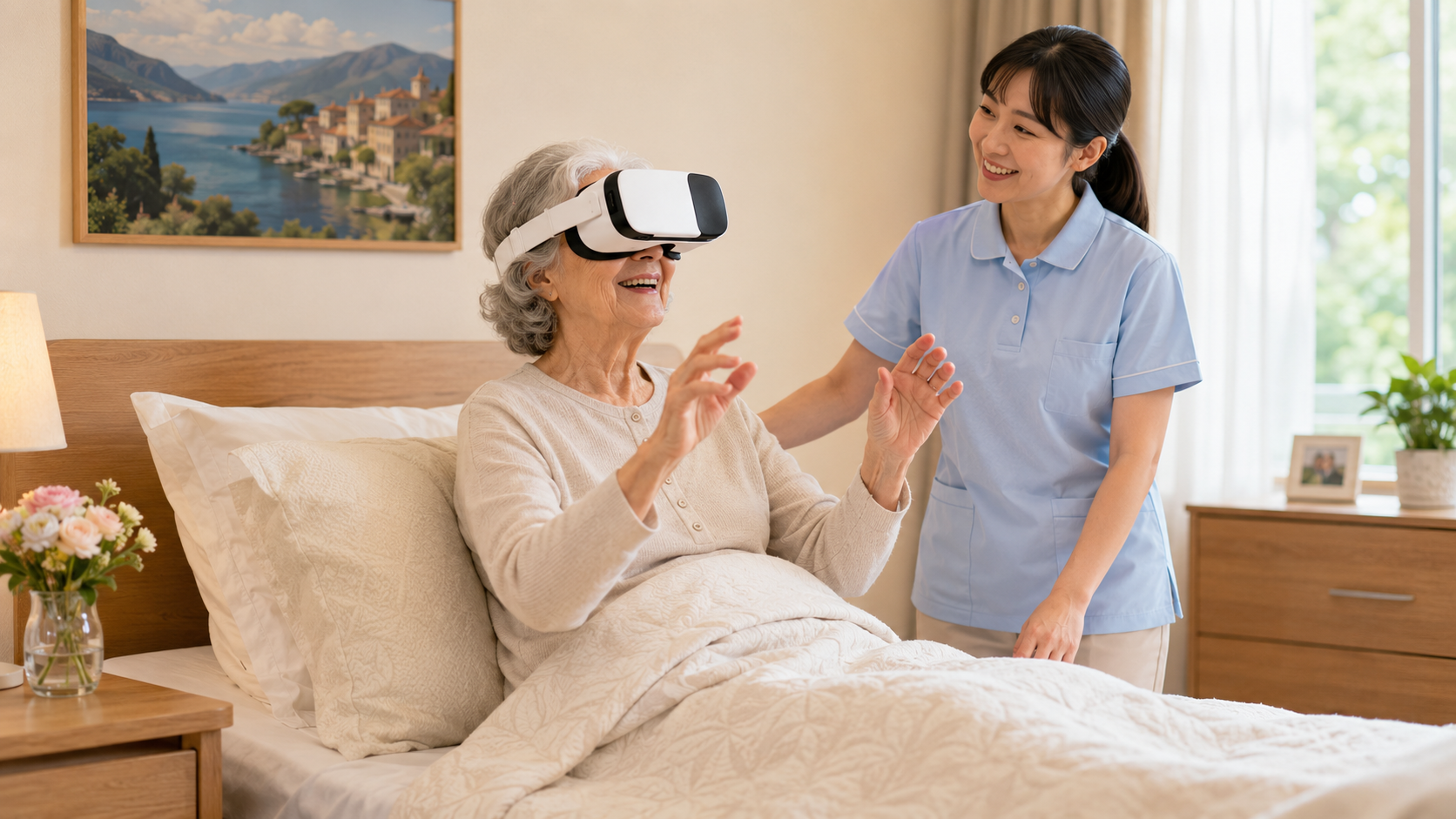
With smartphone VR goggles, users can enjoy a more immersive travel-style experience.
This can be considered for individual refreshment, travel-like enjoyment, or a more engaging visual experience.
Create a distinctive facility experience
By combining world travel videos, visual immersion, and light movement, EASYTRIP can support a new type of activity within a care facility.
It can also be used as a facility feature when explaining your services to visitors, families, and potential users.
Possible Use Scenes
EASYTRIP can support recreation, light movement, individual refreshment, and facility presentations.
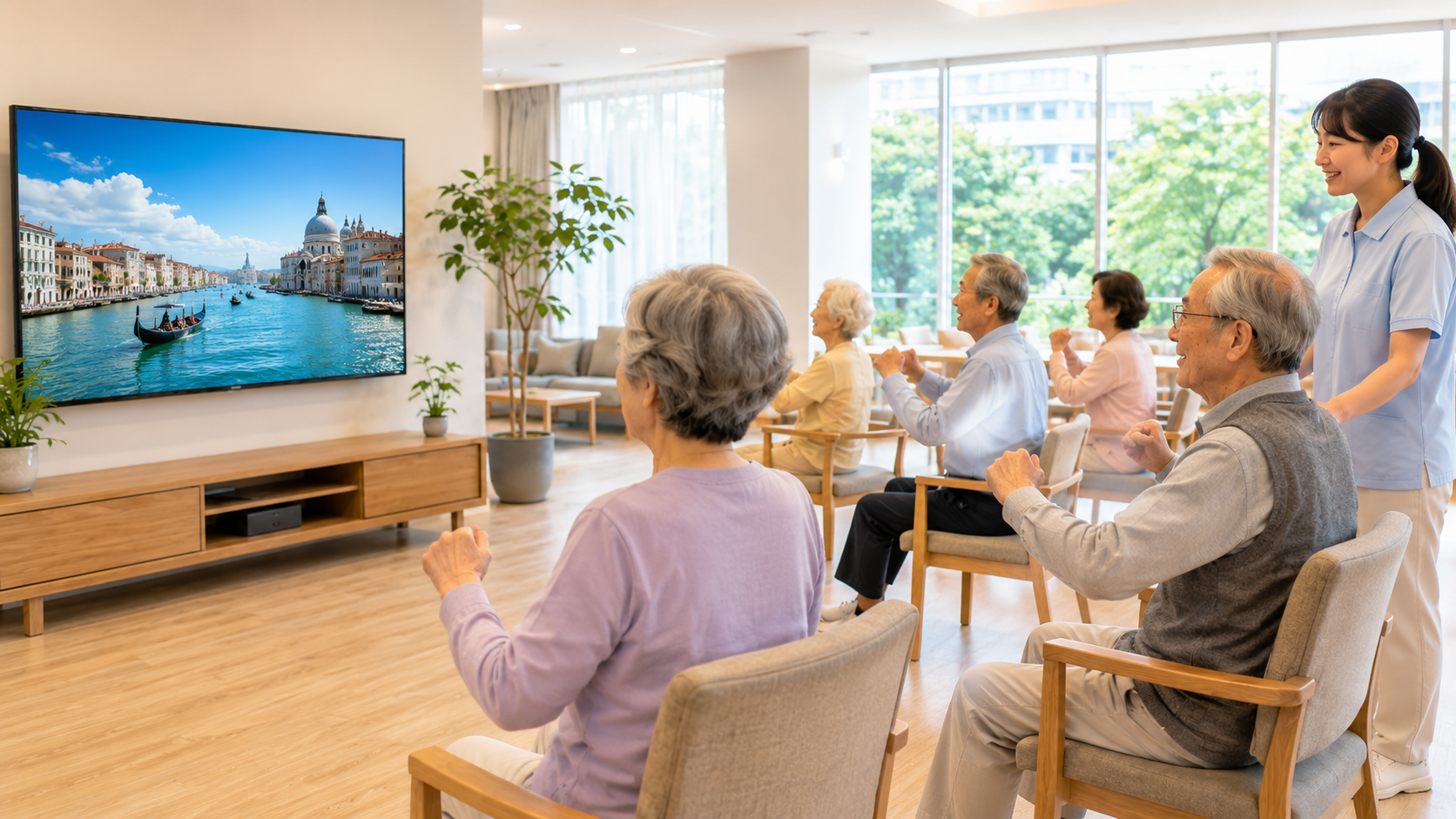
Day-service recreation
Display scenic videos on a large TV and use them during seated exercise, gentle stepping, or group recreation.
Themes such as “walking through a city” or “visiting a scenic destination” can also encourage conversation and memories.
Daily movement habits in senior facilities
EASYTRIP can be considered as part of daily light movement or weekly facility programs.
Changing scenery may help keep activities fresh and make participation feel more enjoyable.
Motivation support in rehabilitation settings
Scenic videos may be used before or during light movement to create a more positive atmosphere.
Instead of focusing only on the need to exercise, users can enjoy the feeling of moving through a scenic place.
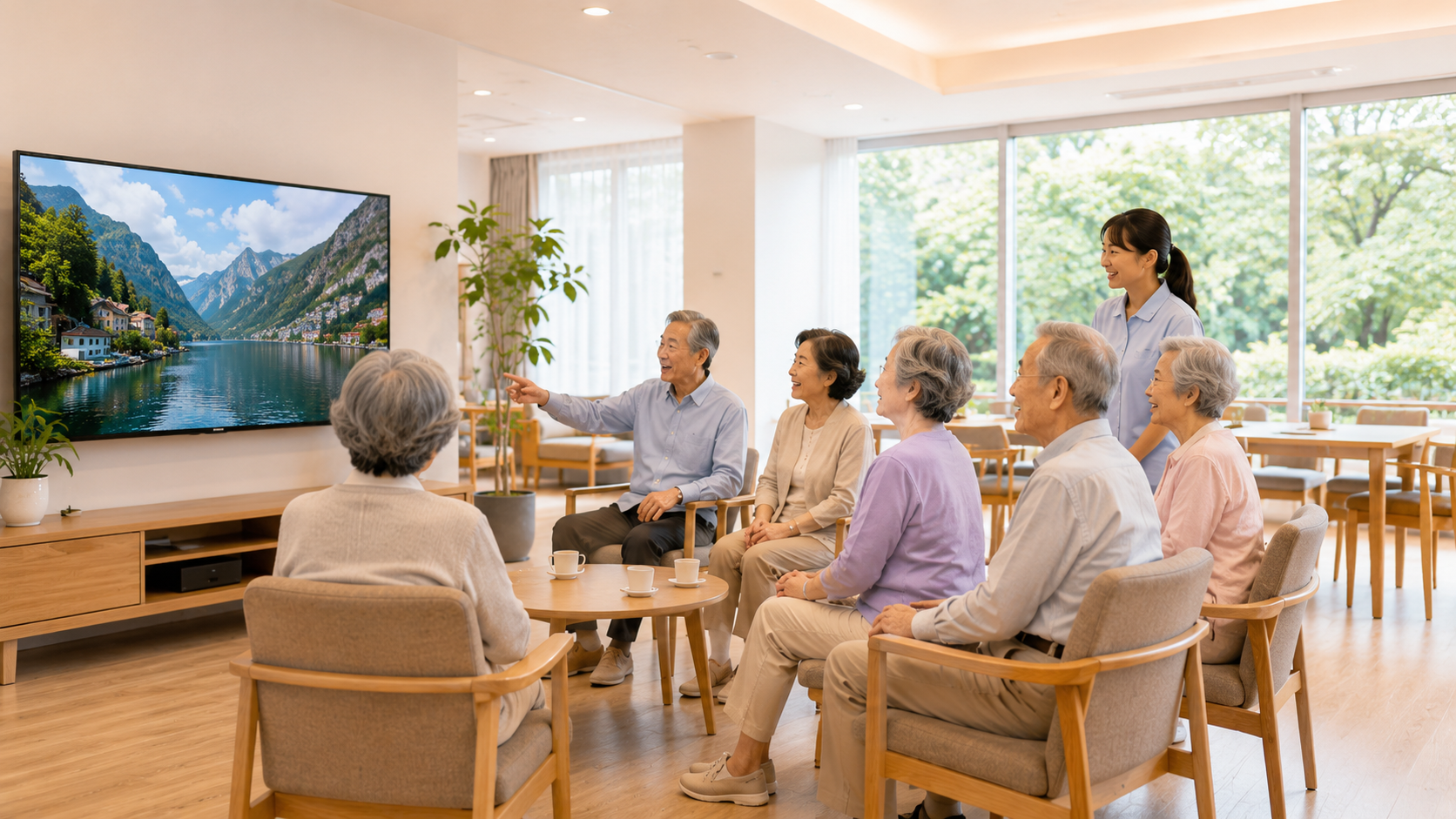
Facility events and seasonal programs
EASYTRIP can be used for themes such as “World Travel Day,” “Virtual Walk Around the World,” or “Talk About Places We Have Visited.”
For people who find it difficult to go outside, travel-style video experiences can provide a pleasant change of mood.
Benefits for Facilities
EASYTRIP is designed to be easy to try and flexible enough for various care and recreation scenes.
For users
- May lower the psychological barrier to light movement.
- Can make participation feel more enjoyable through travel-like scenery.
- Can encourage conversation while watching videos together.
- May provide a refreshing experience for people who have difficulty going outside.
- Can be considered for seated or standing use depending on the person’s condition.
For staff
- Adds a new option for recreation activities.
- Can reduce the burden of preparing new activity ideas.
- Can be displayed on a TV for group participation.
- Can be used for events, daily programs, or individual support.
- Can help explain a facility’s unique initiatives.
For facility managers
- Can be used as a differentiating feature.
- Easy to explain to visitors and families.
- Can be tried without purchasing expensive dedicated equipment.
- Combines travel, visual experience, and light movement in one concept.
What Facilities May Need
You can start with simple equipment and expand depending on your facility environment.
Basic setup
- Smartphone or tablet
- Wi-Fi internet connection
- TV or monitor for group viewing
- Screen output environment as needed
- Safe space for movement or viewing
- Facility staff supervision when needed
Smartphone and VR use
For smartphone VR use, please check the size and compatibility of the smartphone and VR goggles.
Depending on the device model and size, VR use may not be available.
Internet connection
A stable Wi-Fi environment is recommended for smooth video playback and app use.
If the connection is unstable, video playback or operation may not work as expected.
TV and monitor display
For TV or monitor display, please check whether the display environment supports the required screen output method.
Depending on the TV, monitor, smartphone, and available devices, additional connection equipment may be needed.
Safety Notes
Please use EASYTRIP safely according to each user’s condition and facility environment.
- Use the app according to each user’s physical condition and comfort level.
- If there is any risk of falling or dizziness, staff supervision is required.
- For VR use, a seated or otherwise safe position is recommended.
- If a user feels dizzy, uncomfortable, or tired, stop using the app immediately.
- If used in medical or rehabilitation settings, follow the judgment of medical and rehabilitation professionals.
- EASYTRIP is not a medical device and does not guarantee treatment effects or functional improvement.
Frequently Asked Questions
Here are common questions about using EASYTRIP in care and rehabilitation facilities.
Q. Can EASYTRIP be used as a medical device?
A. No. EASYTRIP is not a medical device. It does not diagnose, treat, prevent disease, or guarantee physical function improvement. If used in rehabilitation or exercise support settings, please follow the judgment of medical and rehabilitation professionals.
Q. Can it be used while seated?
A. Yes. It can be considered for seated exercise, gentle stepping, or viewing scenic travel videos on a tablet or TV, depending on the user’s condition and facility environment.
Q. Can multiple people watch on a TV?
A. Yes. If your facility can display the smartphone or tablet screen on a TV or monitor, multiple people can enjoy the same video together.
Q. Are VR goggles required?
A. No. EASYTRIP can be used on a smartphone, tablet, or TV display. Smartphone VR goggles are optional for a more immersive experience.
Q. Can it be used for care facility recreation?
A. Yes. It can be considered as a recreation option where users enjoy scenic world travel videos while doing light movement or conversation-based activities.
Q. Is a custom app required?
A. No. Facilities can start by using the EASYTRIP app. If you need a special use case or custom setup, please contact us through the general inquiry channel.
Start by trying EASYTRIP on a smartphone.
EASYTRIP can be used on a basically free basis, making it easy for facilities to try the app first and see whether it fits their environment.
You can start with a smartphone or tablet, then consider TV display or smartphone VR depending on your facility’s needs.
On smartphone, the app link can open the App Store or Google Play depending on your device. On desktop, please search for EASYTRIP Run&Walk in the app store, or access this page again from your smartphone.